

MiDNI digital ID: Hotelinking now allows guests to scan the QR code during check-in at reception
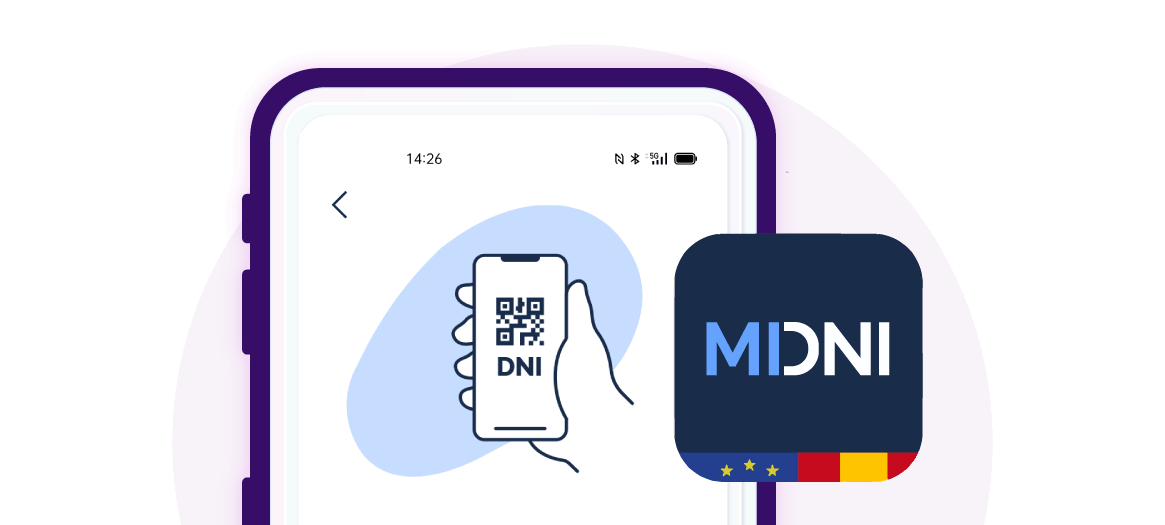
With the introduction of the MiDNI digital ID, Hotelinking is adapting its hybrid check-in process so that domestic guests can identify themselves by scanning the official QR code from the hotel’s tablet, without needing to present a physical ID.

Since 2 April, the Spanish digital ID can now be used as a means of legal identification via the official MiDNI app. The Ministry of the Interior explains that MiDNI allows identity to be verified using a QR code generated by the National Police, which certifies the authenticity of the data at that moment.
Furthermore, Royal Decree 255/2025 regulates both the physical and digital versions of the ID card and sets out the requirements for public and private entities to adapt to ensure the smooth operation of the digital ID card.
Applied to hotels, this means that a Spanish guest can identify themselves without physically handing over their ID card, provided they show the QR code generated by the MiDNI app on their mobile phone.
Hotelinking adapts its document scanning module so that hotels can read the official digital ID card QR code directly from reception and automatically complete the guest registration details.
The official app generates a temporary QR code, issued by the National Police, which allows the authenticity of the data to be verified at the time of identification.
In Hotelinking, this new feature is integrated into the Hybrid Assisted Digital Check-in Mode, a function included in our DeskForce product that enables automatic hotel check-in. From now on, the reception team will be able to scan the digital ID QR code presented by the guest and, following validation via the official certificate, the system will auto-fill the details available in the registration section.
The feature is compatible with the three types of QR codes available on MiDNI: Age, Simple and Full. Each type provides a different level of information, so Hotelinking adapts the auto-fill function to the data contained in each QR code. For hotel registration processes, the Full QR code will provide the most comprehensive identification, similar to scanning the physical document.
This improvement streamlines in-person check-in, reduces manual errors and offers a more convenient experience for domestic guests, whilst maintaining a secure process aligned with the new Spanish digital ID.
A new way to identify yourself during check-in
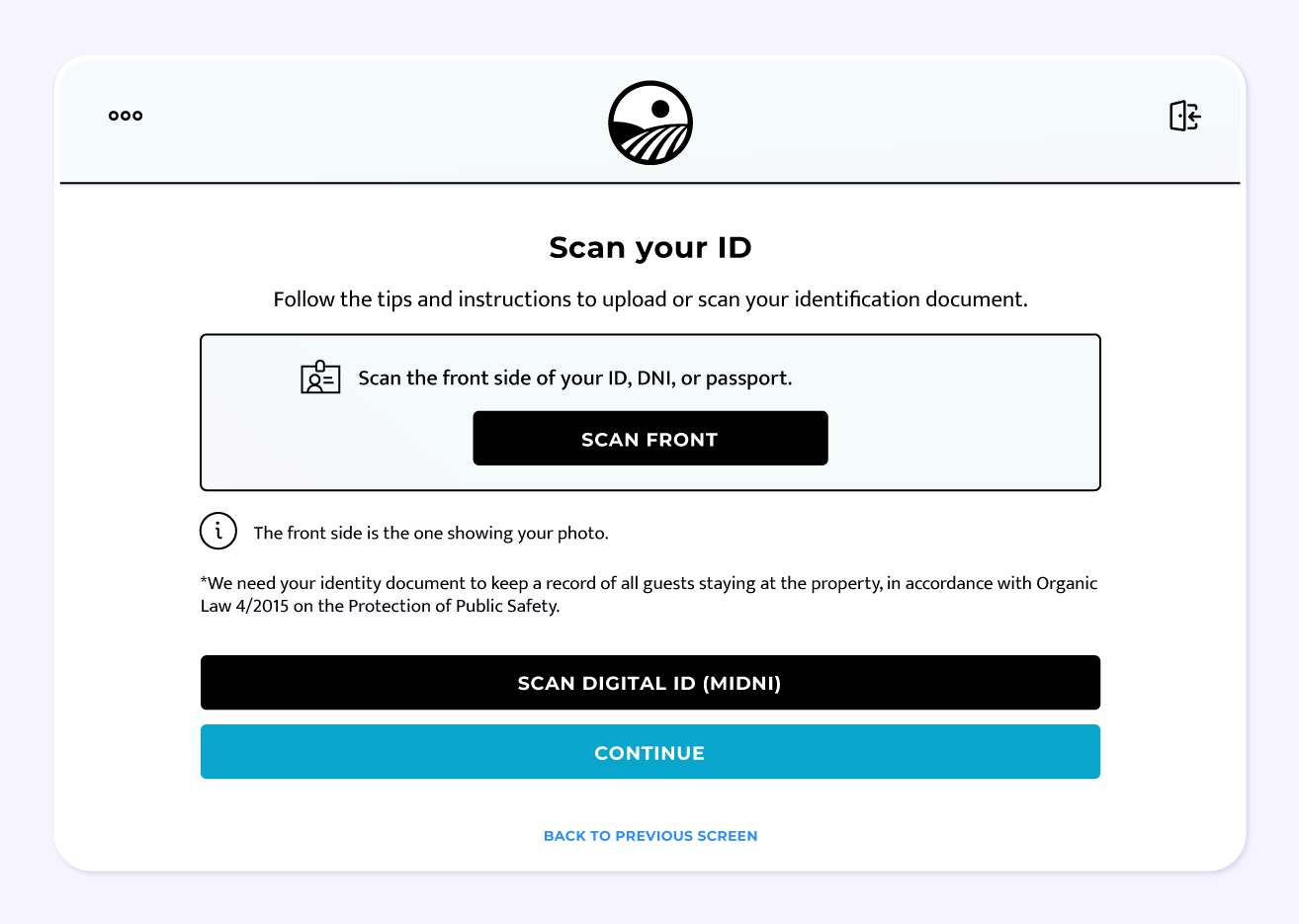
Until now, our self-check-in system allowed guests to scan their ID card, passport or residence permit using the tablet’s camera. This option remains available and allows the document’s details to be captured to complete the registration automatically.
With the arrival of MiDNI, Hotelinking is adding a new alternative within the same process: guests can use their digital ID and display the QR code generated by the official app on their mobile phone.
From the check-in tablet, the user simply needs to select the “Scan digital ID (MiDNI)” option and use the device’s camera to read the QR code displayed on the guest’s phone.
Once scanned, the system validates the code using the official certificate and, if the verification is successful, automatically fills in the available details in the registration section.
How does MiDNI scanning work on Hotelinking?
The process is simple and designed to integrate seamlessly into the guest’s check-in:
- The guest starts the check-in process on the hotel’s tablet.
- During the document scanning step, they can choose between scanning their physical document or using the MiDNI digital ID.
- If they select to scan the physical document, the guest uses the tablet’s camera to scan the front of their ID card, passport or residence permit. This option allows the necessary details from the document to be captured and the registration to be completed quickly.
- If they select MiDNI, the guest opens the official MiDNI app on their mobile, generates the corresponding QR code and holds it up to the tablet’s camera. Hotelinking reads the code, verifies its authenticity and populates the available details on the registration form.
- The guest can then proceed with the check-in process.
This workflow reduces the need for manual data entry, minimises potential errors and streamlines the hotel team’s work.
In this way, the hotel can offer a more flexible experience, tailored both to guests who continue to use their physical ID and to those who already prefer to identify themselves digitally via their mobile.
Compatible with all three MiDNI QR code types
The MiDNI app allows users to generate different types of QR codes depending on the level of information they wish to share. Hotelinking is equipped to scan all three available formats:
Age QR
This verifies information relating to the citizen’s age. It is the most limited format and may be useful in certain contexts, although it does not usually contain all the data required to complete a hotel registration.
Simple QR
Includes basic identification details. It can simplify part of the registration process, although the information available will depend on what the guest chooses to share.
Full QR
This is the most comprehensive format and the most suitable for processes such as hotel check-in, as it provides more information to automatically complete the registration details.
Hotelinking adapts to the level of information included in each QR code. If the code contains all the necessary data, the system will be able to complete the registration more comprehensively. If the QR code includes limited information, only the available fields will be filled in.
A check-in ready for digital identification
The digitisation of identity is another step in the transformation of the hotel experience. More and more travellers expect processes that are simple, fast and tailored to mobile use.
With this update, Hotelinking helps hotels prepare for this new situation by incorporating the scanning of the MiDNI digital ID into a solution already designed to automate and simplify guest check-in.
Our aim is to help hotels offer a more efficient, secure and convenient check-in experience, for both reception staff and guests.
FAQs about MiDNI digital ID
- What is MiDNI?
MiDNI is the official app that allows Spanish citizens to carry their ID card in digital format on their mobile and generate a QR code to verify their identity in person.
- Can MiDNI be used to check in at a hotel?
Yes. With Hotelinking, guests can use the QR code generated by MiDNI during the check-in process on a tablet, provided the code is valid and contains the necessary information to complete the registration.
- How is the digital ID scanned in Hotelinking?
During the document scanning step, the guest selects the option to scan the MiDNI digital ID. They then display the QR code generated on their mobile, and the hotel’s tablet reads it using its camera. Once validated, Hotelinking auto-completes the available details.
- Does the guest have to present their physical ID card?
Not necessarily. If the guest uses MiDNI and the QR code is validated correctly, they can identify themselves using the digital ID. However, scanning the physical document remains available as an alternative.
- What types of MiDNI QR codes can Hotelinking read?
Hotelinking can scan the three types of QR codes available on MiDNI: Age, Simple and Full. The system auto-completes the registration details based on the information included in each QR code.
- Is it mandatory for hotels to accept the MiDNI digital ID?
Yes. Following the transition period set out in Royal Decree 255/2025, public and private entities must be prepared to accept the digital ID as a valid means of in-person identification. This includes hotels, as MiDNI can be used for processes such as guest registration.
In any case, the use of MiDNI by the guest is voluntary: those who prefer to do so may continue to use their physical ID card. For this reason, Hotelinking offers both options during tablet check-in: the traditional scanning of the physical document and the scanning of the MiDNI digital ID QR code.
Quickly adapt your hotel to the new digital ID
Scan physical documents or the MiDNI QR code from the front-desk tablet and speed up guest registration.