MiDNI digital ID: Hotelinking now allows guests to scan the QR code during check-in at reception
With the introduction of the MiDNI digital ID, Hotelinking is adapting its hybrid check-in process so that domestic guests can identify themselves by scanning the official QR code from the hotel’s tablet, without needing to present a physical ID.
 Tomeu FiolCMO de Hotelinking
Want to see more of Hotelinking’s content on Google?
Since 2 April, the Spanish digital ID can now be used as a means of legal identification via the official MiDNI app. The Ministry of the Interior explains that MiDNI allows identity to be verified using a QR code generated by the National Police, which certifies the authenticity of the data at that moment.
Furthermore, Royal Decree 255/2025 regulates both the physical and digital versions of the ID card and sets out the requirements for public and private entities to adapt to ensure the smooth operation of the digital ID card.
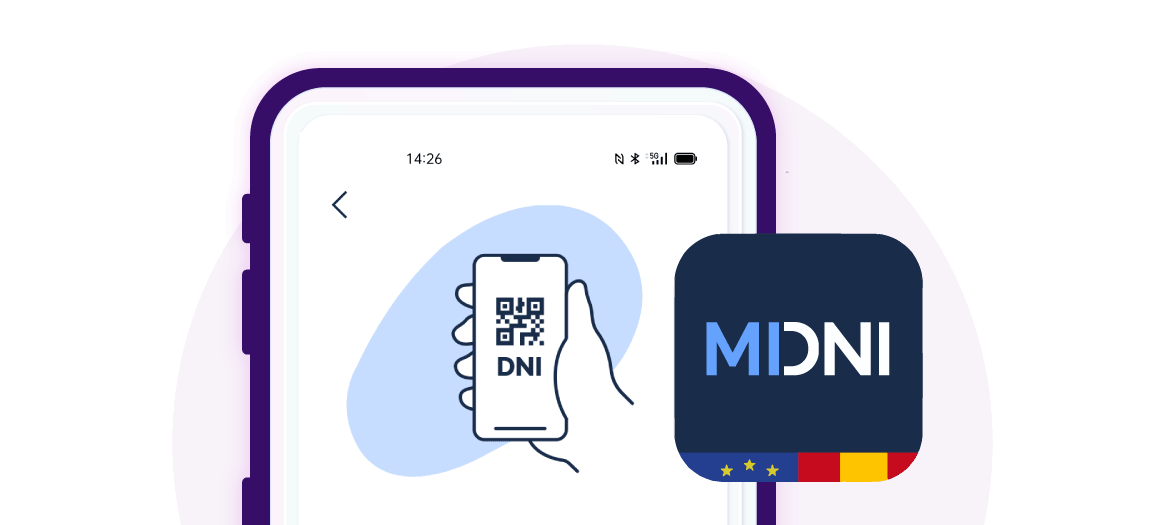
Applied to hotels, this means that a Spanish guest can identify themselves without physically handing over their ID card, provided they show the QR code generated by the MiDNI app on their mobile phone.
Hotelinking adapts its document scanning module so that hotels can read the official digital ID card QR code directly from reception and automatically complete the guest registration details.
The official app generates a temporary QR code, issued by the National Police, which allows the authenticity of the data to be verified at the time of identification.
In Hotelinking, this new feature is integrated into the Hybrid Assisted Digital Check-in Mode, a function included in our DeskForce product that enables automatic hotel check-in. From now on, the reception team will be able to scan the digital ID QR code presented by the guest and, following validation via the official certificate, the system will auto-fill the details available in the registration section.
The feature is compatible with the three types of QR codes available on MiDNI: Age, Simple and Full. Each type provides a different level of information, so Hotelinking adapts the auto-fill function to the data contained in each QR code. For hotel registration processes, the Full QR code will provide the most comprehensive identification, similar to scanning the physical document.
This improvement streamlines in-person check-in, reduces manual errors and offers a more convenient experience for domestic guests, whilst maintaining a secure process aligned with the new Spanish digital ID.
A new way to identify yourself during check-in
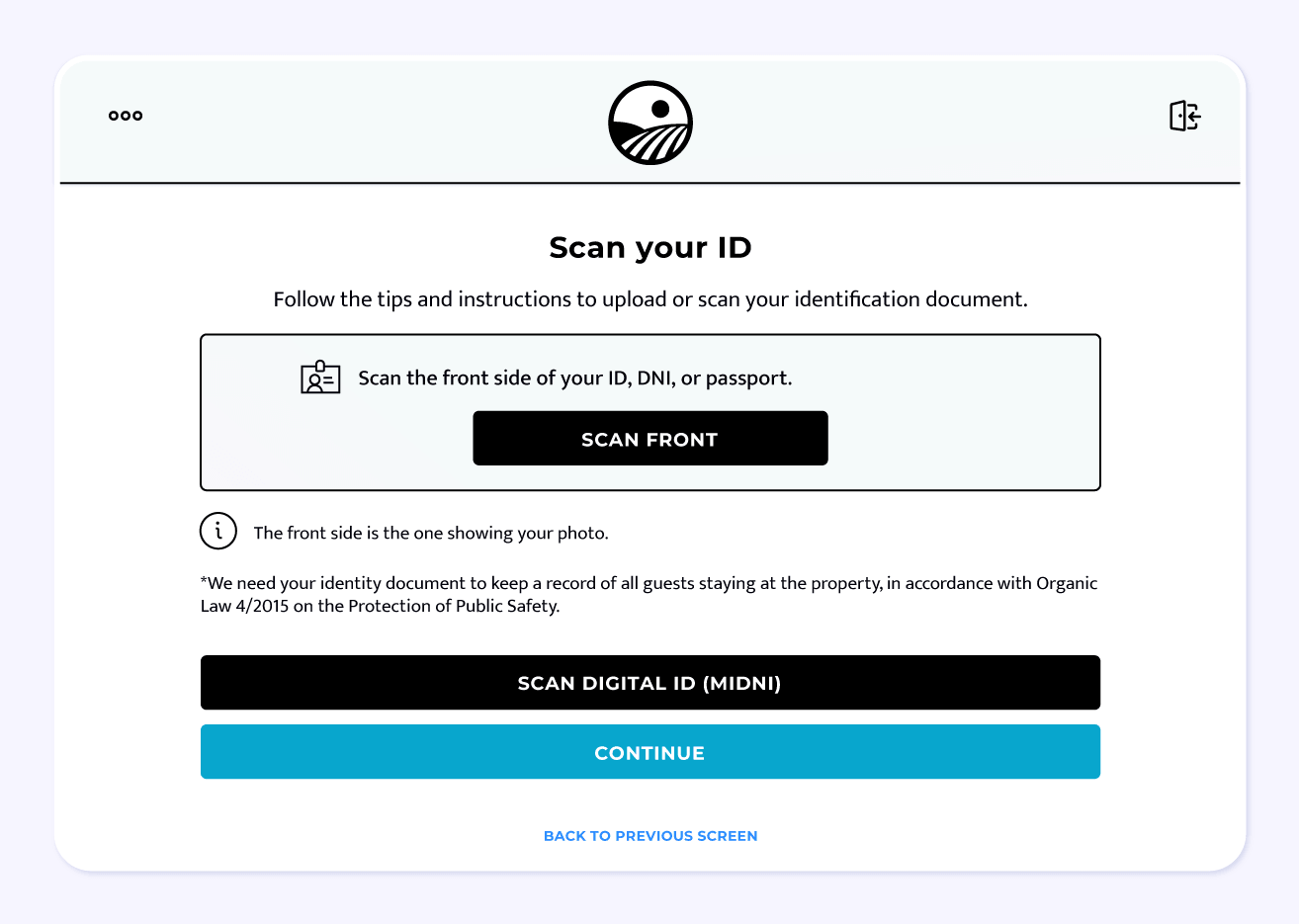
Until now, our self-check-in system allowed guests to scan their ID card, passport or residence permit using the tablet’s camera. This option remains available and allows the document’s details to be captured to complete the registration automatically.
With the arrival of MiDNI, Hotelinking is adding a new alternative within the same process: guests can use their digital ID and display the QR code generated by the official app on their mobile phone.
From the check-in tablet, the user simply needs to select the “Scan digital ID (MiDNI)” option and use the device’s camera to read the QR code displayed on the guest’s phone.
Once scanned, the system validates the code using the official certificate and, if the verification is successful, automatically fills in the available details in the registration section.
How does MiDNI scanning work on Hotelinking?
The process is simple and designed to integrate seamlessly into the guest’s check-in:
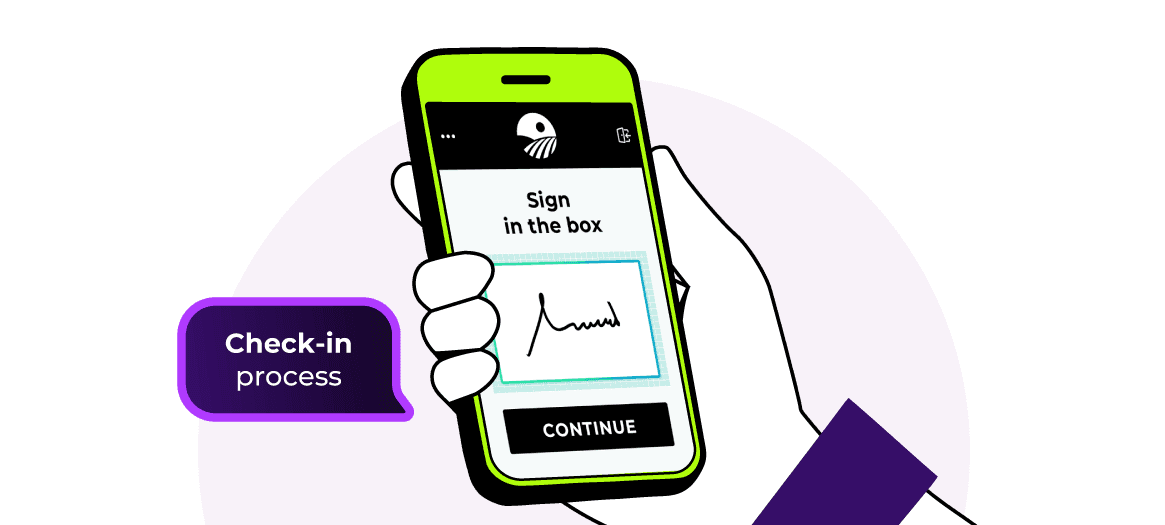
- The guest starts the check-in process on the hotel’s tablet.
- During the document scanning step, they can choose between scanning their physical document or using the MiDNI digital ID.
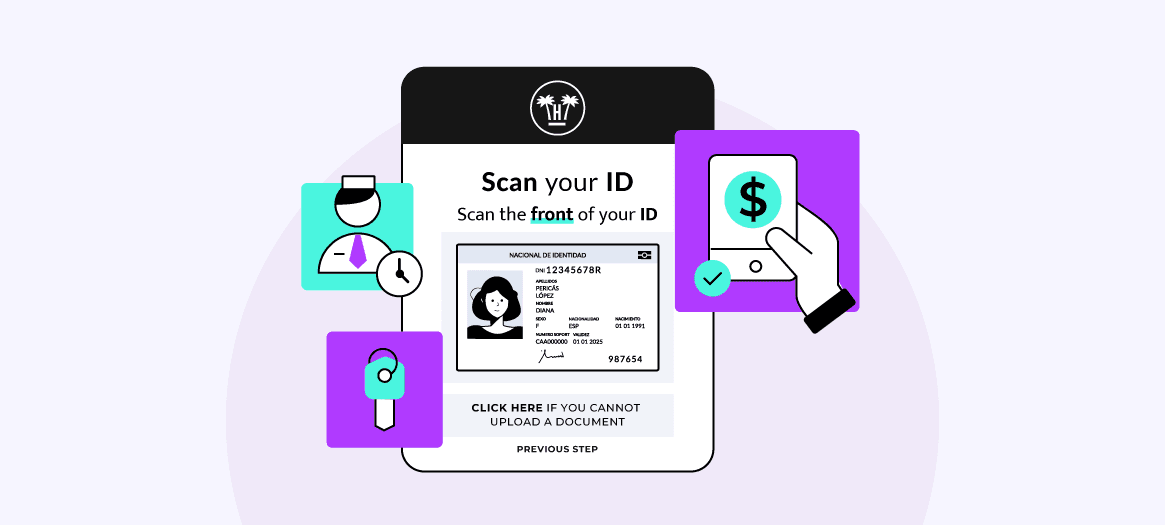
- If they select to scan the physical document, the guest uses the tablet’s camera to scan the front of their ID card, passport or residence permit. This option allows the necessary details from the document to be captured and the registration to be completed quickly.
- If they select MiDNI, the guest opens the official MiDNI app on their mobile, generates the corresponding QR code and holds it up to the tablet’s camera. Hotelinking reads the code, verifies its authenticity and populates the available details on the registration form.
- The guest can then proceed with the check-in process.
This workflow reduces the need for manual data entry, minimises potential errors and streamlines the hotel team’s work.
In this way, the hotel can offer a more flexible experience, tailored both to guests who continue to use their physical ID and to those who already prefer to identify themselves digitally via their mobile.
Compatible with all three MiDNI QR code types
The MiDNI app allows users to generate different types of QR codes depending on the level of information they wish to share. Hotelinking is equipped to scan all three available formats:
Age QR
This verifies information relating to the citizen’s age. It is the most limited format and may be useful in certain contexts, although it does not usually contain all the data required to complete a hotel registration.
Simple QR
Includes basic identification details. It can simplify part of the registration process, although the information available will depend on what the guest chooses to share.
Full QR
This is the most comprehensive format and the most suitable for processes such as hotel check-in, as it provides more information to automatically complete the registration details.
Hotelinking adapts to the level of information included in each QR code. If the code contains all the necessary data, the system will be able to complete the registration more comprehensively. If the QR code includes limited information, only the available fields will be filled in.
A check-in ready for digital identification
The digitisation of identity is another step in the transformation of the hotel experience. More and more travellers expect processes that are simple, fast and tailored to mobile use.
With this update, Hotelinking helps hotels prepare for this new situation by incorporating the scanning of the MiDNI digital ID into a solution already designed to automate and simplify guest check-in.
Our aim is to help hotels offer a more efficient, secure and convenient check-in experience, for both reception staff and guests.